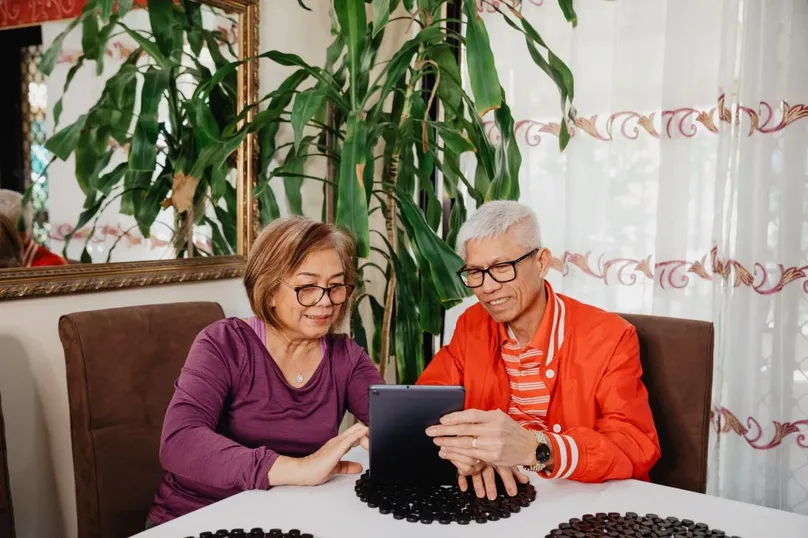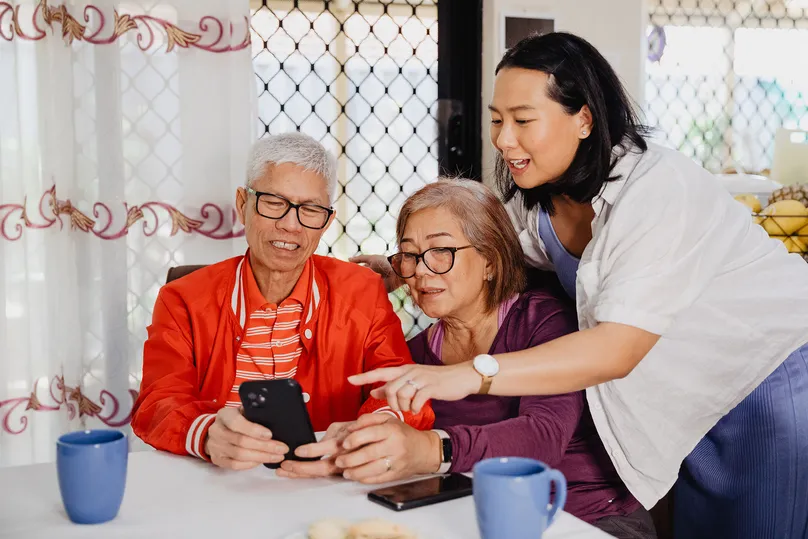
Feeling socially connected supports your mental health, physical health, and brain health. Your community is one of your greatest assets.
Today, smart devices like smartphones and tablets can make it easier to stay in touch with family, friends, and your healthcare team. Check out the examples below to learn more.
What are smart devices?
Smart devices connect to the internet or Bluetooth to make everyday life easier. This includes communication tools like smartphones and tablets, which you can use to stay engaged and in touch with others.
How to find accessible smartphones and tablets
Standard devices can feel overwhelming with unnecessary features and ongoing costs. If you prefer something simpler, there are pared-back options, designed with accessibility in mind.
But how can you find the right device for you?
Check trusted review sites
Find out what other people who are similar to you liked the most by reading reviews.
Review websites like CHOICE offer helpful resources such as:
- The best-reviewed phones for older people in 2024
- Tips for choosing the right tablet for you
Explore recommendations from occupational therapists
To get you started, LiveUp's occupational therapists have selected 2 user-friendly options below. These devices support communication without being overwhelming.
LiveUp is funded by the Health Department and does not make any money from these recommendations. Always check that a device suits your needs before buying.
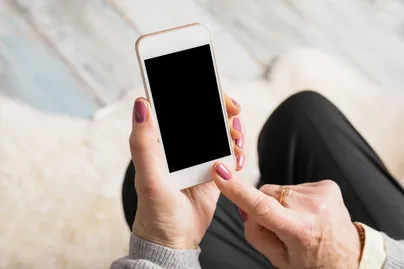
KISA: A simple smartphone alternative

CHOICE reviewed the KISA Phone in 2021 as an accessible smartphone alternative.
The KISA Phone has no screen, just eight large tactile buttons you can label with names or photos. It also includes an emergency SOS button and GPS tracking.
You can buy this phone for under $600, including express postage. You can use your own SIM card or join a KISA monthly plan with no lock-in contract for $35 – $50 per month.
GrandPad: A simple tablet alternative

PC Mag Australia reviewed the GrandPad as a very simple tablet to keep older people connected.
The GrandPad features large icons and pre-loaded contacts to block spam. Just tap once to video call your family or GP.
In Australia, you can buy this tablet from Amazon for about $700. Then call GrandPad to activate your tablet and choose a plan: $65 monthly or $649 annually, with the first month free.
Choosing the right device for you
When choosing devices, remember to consider:
- Your comfort with technology
- Hand function and how you will use the device
- Hearing or vision needs
- Upfront and ongoing fees, and if there are subsidies available
Speak to a medical professional for personalised advice.
Need some help? You can reach out to LiveUp for support with general healthy ageing information on 1800 951 971.
References
Denis Gallagher. 2021. CHOICE. https://www.choice.com.au/electronics-and-technology/phones/mobile-phones/articles/kisa-phone-review
Sascha Segan. 2018. PC Mag Australia. https://au.pcmag.com/tablets/53208/consumer-cellular-grandpad
How to use this information
LiveUp provides free information to help you make informed decisions about your health. This information is for general and educational purposes only, is not intended to provide a comprehensive guide, and does not replace medical advice. Everyone is different, so some of these tips may work better for you than others. You should use your own judgment and seek medical advice when applying this information to yourself, to determine if it is suitable in your circumstances. Your use of, or reliance on, this information is solely at your own risk. Independent Living Assessment Incorporated is not responsible or liable for any injury, loss, or damage caused as a result of your use of, or reliance on, this information.
Download and print this article:
You can print out the PDF and stick it to your fridge or file away the tips to revisit at a later time.

Read more Social articles
Did you enjoy this article? You may also like reading similar healthy ageing articles.
See all Social articles