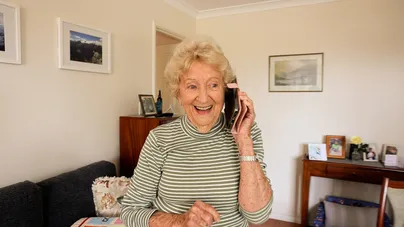
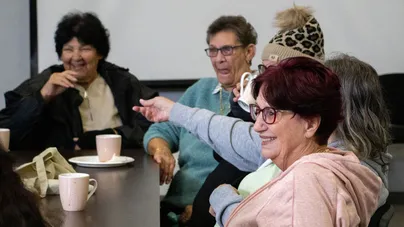
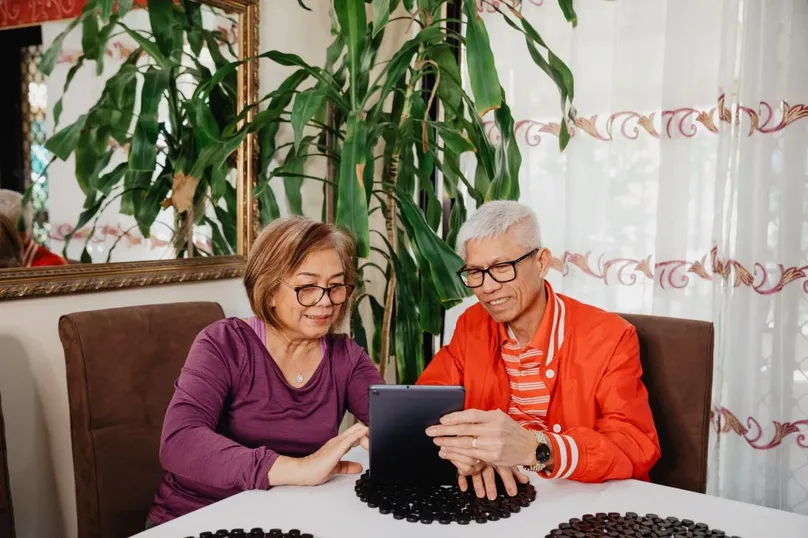
In Rockingham, WA, a group called Switched On Seniors is helping older people use technology to stay in touch with family, friends, and community.

Watch the video to learn all about Switched On Seniors.
What is Switched On Seniors?
Switched On Seniors is a welcoming group where people over 60 can learn how to use smartphones and tablets in a fun and easy way.
Each session is run by volunteers who help participants learn how to:
- Use apps like Skype, WhatsApp, and FaceTime to video call loved ones
- Shop and bank safely online
- Stay safe from scams
- Use email and social media
Each session costs just $3 and is held at local Rockingham venues.
Meet Sheena: founder and 2020 WA Senior of the Year
Sheena Edwards started Switched On Seniors after noticing that many older people felt left out because they didn’t know how to use technology.

People were feeling frustrated and alone. With Switched On Seniors, we see good changes right away.
— Sheena EdwardsHer work has made a big difference. In 2023, Switched On Seniors won a major award for being an outstanding volunteer group.
Sheena also won the WA Senior of the Year Award in 2020 for helping older people feel more confident with technology.
Volunteers making a difference
Volunteers are an important part of Switched On Seniors. They help older people to do things like:
- Set up new phones and tablets
- Learn how to use apps
Many of the volunteers are older people, too. This makes the learning environment easier and more friendly.
The group is always happy to welcome new volunteers who know how to use Apple or Android devices.
Real stories, real impact
People who join the program say it makes a big difference in their lives. They feel more confident, less lonely, and more connected.
Now I can video call my new grandkid and shop online without any trouble.
— Maire, older person and volunteerGrowing and learning with peers in the technology space just really helps to reduce feelings of isolation.
— Alicja, occupation therapist and volunteerBe Connected: Free digital skills lessons online
Another great resource in Australia is the Be Connected program. It's a government initiative that offers free online courses to help older people learn digital skills. Topics include:
- Online safety
- Using smartphones and tablets
- Social media
- Internet banking
You can learn at your own pace and even join live presentations.
Visit Be Connected to explore hundreds of free lessons.
Why digital literacy matters
Learning how to use technology is important for healthy ageing. Digital skills help older adults to:
- Stay in touch with family and friends
- Access important services
- Stay safe online
- Feel more confident and independent
References
LiveUp. (2025). Interview Switched on Seniors. https://youtu.be/32SiLcsCiwU
Government of Western Australia. (2020, November). WA Seniors Awards winners show the way in 2020.
How to use this information
LiveUp provides free information to help you make informed decisions about your health. This information is for general and educational purposes only, is not intended to provide a comprehensive guide, and does not replace medical advice. Everyone is different, so some of these tips may work better for you than others. You should use your own judgment and seek medical advice when applying this information to yourself, to determine if it is suitable in your circumstances. Your use of, or reliance on, this information is solely at your own risk. Independent Living Assessment Incorporated is not responsible or liable for any injury, loss, or damage caused as a result of your use of, or reliance on, this information.
Download and print this article:
You can print out the PDF and stick it to your fridge or file away the tips to revisit at a later time.

Read more Mental health articles
Did you enjoy this article? You may also like reading similar healthy ageing articles.
See all Mental health articles