How assistive technology can support cognitive skills like memory, focus, and planning
8 minute readShare this article
Discover tools to support everyday cognitive skills. Stay organised and in control of your daily routine.
Do you have issues with any of the following?
Memory – do you suddenly forget the task you were about to do?
Attention or focus – do you easily get distracted halfway through tasks?
Planning – do you feel overwhelmed when trying to organise your day?
This article is for people who:
Have identified real challenges with memory, focus, planning, or staying organised
Are looking for practical tools that might help
If you’re managing fine day to day, you probably don’t need these supports. But if you already know you need help in these areas, the ideas here can help you choose tools that match what you need.
Important: If you’ve noticed changes in your memory or thinking, talk to your doctor.
What are assistive products for cognition?
Some tools can help you:
Stay organised
Remember important information
Feel more confident in daily activities
These are called cognitive tools, or assistive technology (AT) for cognition.
These tools can make routines feel more manageable. They offer helpful backup when thinking feels more challenging. Research shows using them can support your everyday function if you’ve been having trouble with memory or planning.
Devices to help with memory and organisation
Occupational therapists (OTs) have identified these tools may be useful to older people who need help with:
Remembering things
Staying focused
Planning and organising
Did you find this article useful?
Your feedback helps LiveUp to curate information that matters to you.
You might also be interested in these resources
10 tips to boost memory and brain health
Support your memory and brain health with 10 practical tips for staying mentally sharp, active, and engaged as you age. Designed for older Australians.
LiveUp is a non-profit funded by the Health Department, so we don’t earn money from these suggestions. We’re not connected to any retailers or products in any way. Our goal is to help you find practical, cost-effective solutions that make everyday life easier.
Memory notebooks and digital notebooks
Notebooks can help you keep track of important details like:
Appointments
Contacts
Medical information
You can use paper or digital notebooks. Digital ones are easy to update, and backups help prevent lost data. Check the settings to make sure your personal information is stored securely.
Where to find them
You can find these devices from retailers like JB Hi-Fi and Officeworks.
Wearable reminder devices
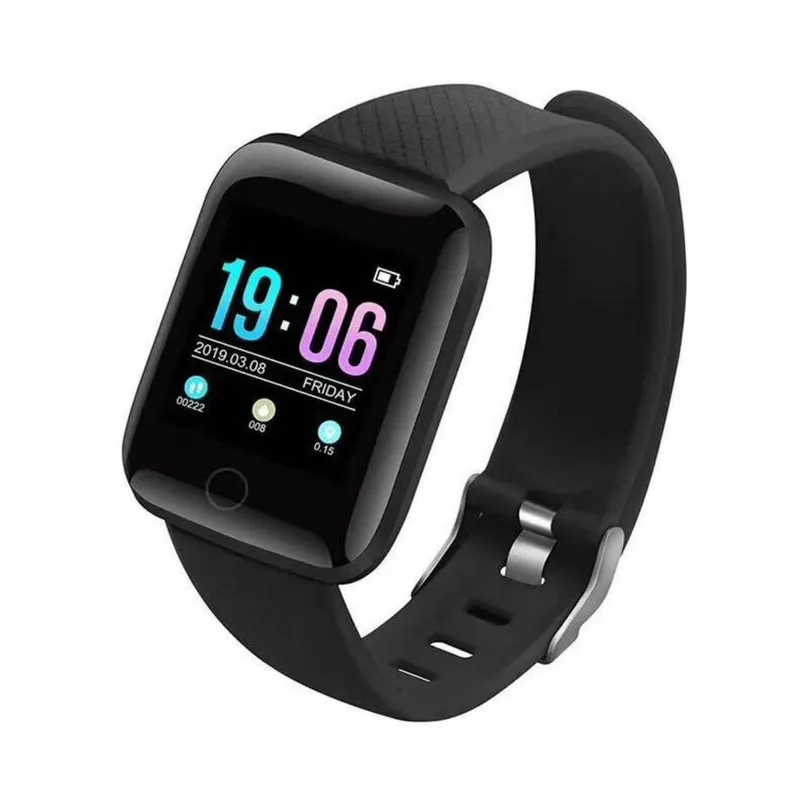
Smart watches or wristbands can give you handy reminders with sounds or vibrations. They can signal tasks, breaks, or medication times. Some may also help you track your steps or heart rate.
Choose a comfortable device and keep it charged so you don’t miss reminders.
Where to find them
You can find smart alarm watches at stores like Big W.
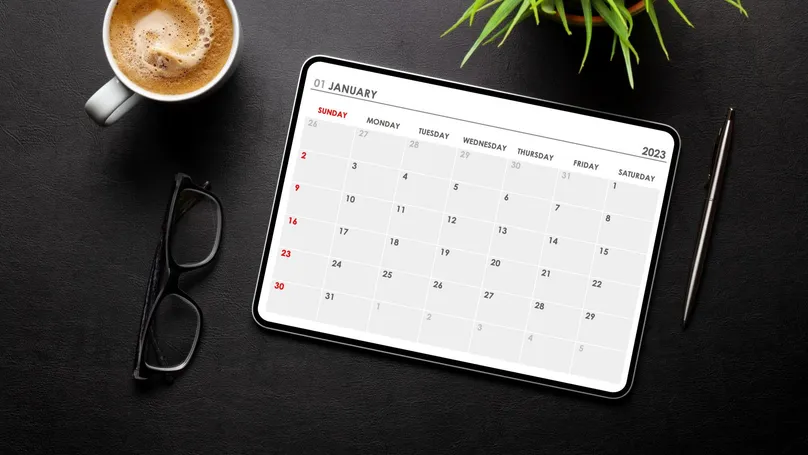
If smart watches aren’t for you, other tools like smartphones or smart home assistants can also give helpful reminders and alerts.
These help you plan your routine and give notifications for important activities.
Look for devices and apps with:
User-friendly layouts
Good privacy settings
You could also share a calendar with a trusted person for added support.
Where to find them
You can find digital calendars from retailers like JB Hi-Fi and Kmart. You can also search on NED.
Electronic pill dispensers and medication reminders
These tools give alerts when medication is due. Some open only the correct compartment at the correct time. This helps prevent double dosing.
To prevent missed doses:
Make sure the alert volume is audible
Keep track of battery levels
Where to find them
Check out the LiveUp pages for medication timers to see suggested retailers.
Key finders and Bluetooth trackers
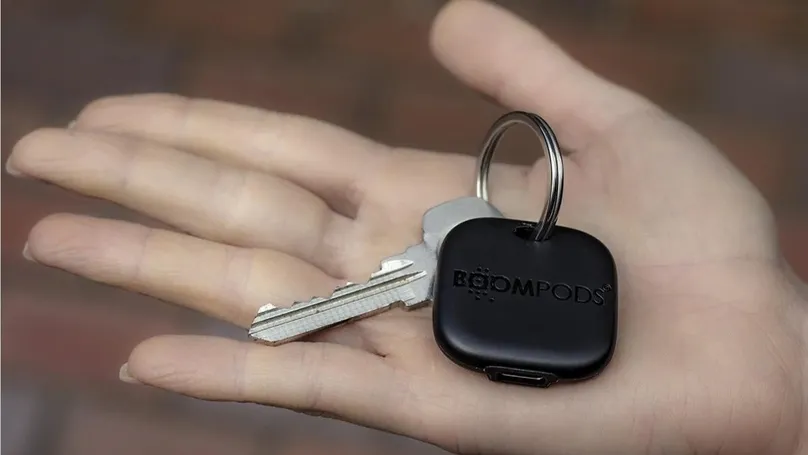
These tracking devices can help you locate important items easily. They’re small enough to attach to keys, wallets, phones, remotes, and other items you don’t want to lose.
Look for devices with strong security features. This ensures your location data stays private.
They may have rechargeable or replaceable batteries. You’ll need to charge or swap them regularly.
Where to find them
Find Bluetooth trackers at stores like Officeworks or JB Hi-Fi.
Look for key finders at retailers like Dick Smith, JB Hi-Fi, or BIG W.
Tools for creating environmental cues
Some tools can provide environmental cues. That means they set up your surroundings to give clear prompts that help you stay oriented or stick to your schedule.
Motion activated lights can be useful if you get up during the night and become disoriented in the dark.
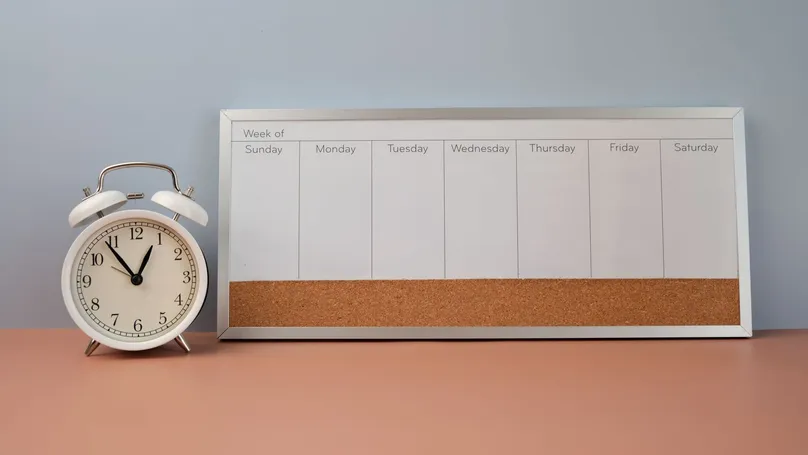
Large clocks and calendars help you stay aware of the time and day.
Whiteboards can help you keep track of to-do lists, so you don't have to keep it all in your head.
For best results, place these tools where they can be easily seen and noticed during the day.
You can find whiteboards at places like Officeworks and BIG W, or search on NED.
Tools to make tasks simpler or automated
Some tools help reduce the steps needed for daily tasks, such as:
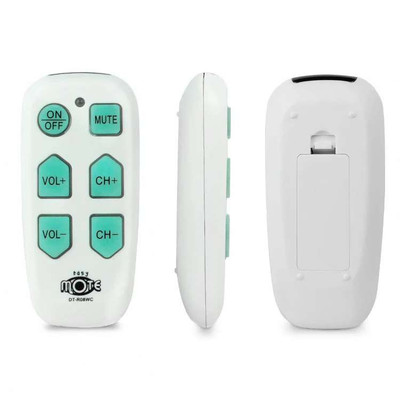
Universal remotes
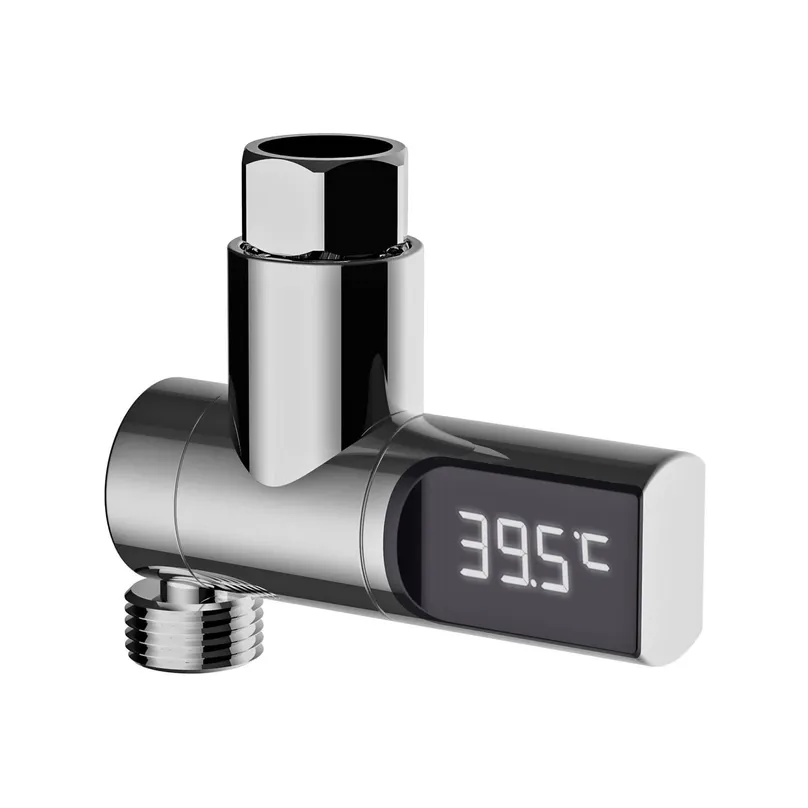
Sensor taps
Automatic garden timers
Check sensor taps for safe temperatures, and keep garden timers protected so they last longer.
Where to find them
Check out the LiveUp pages for Adaptive TV remotes to see suggested retailers.
Sensor taps for the kitchen and bathroom can be found at places like Bunnings or Temple & Webster. You can also search on NED.
You can find digital tap timers for the garden at Bunnings and BIG W, or search NED.
Tools for safety and home independence
If you sometimes forget to turn off appliances like the stove or iron, consider using tools to increase home safety. For example:
Stove and appliance shutoff tools
Smart plugs
Safety irons
Water temperature controls
For best results, install these tools correctly and check them regularly. Use smart plugs only with suitable appliances, and monitor temperature controls to reduce hot water risks.
Where to find them
Check out the LiveUp page for appliance timers to see suggested retailers.
Find smart plugs at stores like The Good Guys or Officeworks, or search on NED.
Get safety steam irons from places like Spotlight, Harris Scarfe, or MYER.
You can get shower temperature sensors from stores like Bunnings. Or, search for water temperature controls on NED.
Choosing assistive technology
Choose tools that:
Feel comfortable to use
Fit naturally into your routine
Consider factors like safety, cost, and ongoing usefulness. Many tools can be bought second hand, and reviewing your supports each year ensures they continue to meet your needs.
Need personalised advice?
An occupational therapist can help match the right tools to your needs and support you in using them effectively.
Can’t find an OT in your area through OTA? You can also check Healthdirect’s tool for finding an OT by location.
If you need more information about healthy ageing, take the LiveUp quiz or get in touch with one of our helpful team on 1800 951 971.
References
Jones, W. E., Benge, J. F., & Scullin, M. K. (2021). Preserving prospective memory in daily life: A systematic review and meta analysis of mnemonic strategy, cognitive training, external memory aid, and combination interventions. Neuropsychology, 35(1), 123–140. https://doi.org/10.1037/neu0000704
Wilson, S. A., Byrne, P., Rodgers, S. E., & Maden, M. (2022). A systematic review of smartphone and tablet use by older adults with and without cognitive impairment. Innovation in Aging, 6(2), igac002. https://doi.org/10.1093/geroni/igac002
How to use this information
LiveUp provides free information to help you make informed decisions about your health. This information is for general and educational purposes only, is not intended to provide a comprehensive guide, and does not replace medical advice. Everyone is different, so some of these tips may work better for you than others. You should use your own judgment and seek medical advice when applying this information to yourself, to determine if it is suitable in your circumstances. Your use of, or reliance on, this information is solely at your own risk. Independent Living Assessment Incorporated is not responsible or liable for any injury, loss, or damage caused as a result of your use of, or reliance on, this information.
Download and print this article:
You can print out the PDF and stick it to your fridge or file away the tips to revisit at a later time.
Read more Memory articles
Did you enjoy this article? You may also like reading similar healthy ageing articles.